









06 / 06
All map layers in the docsThe map layer selector
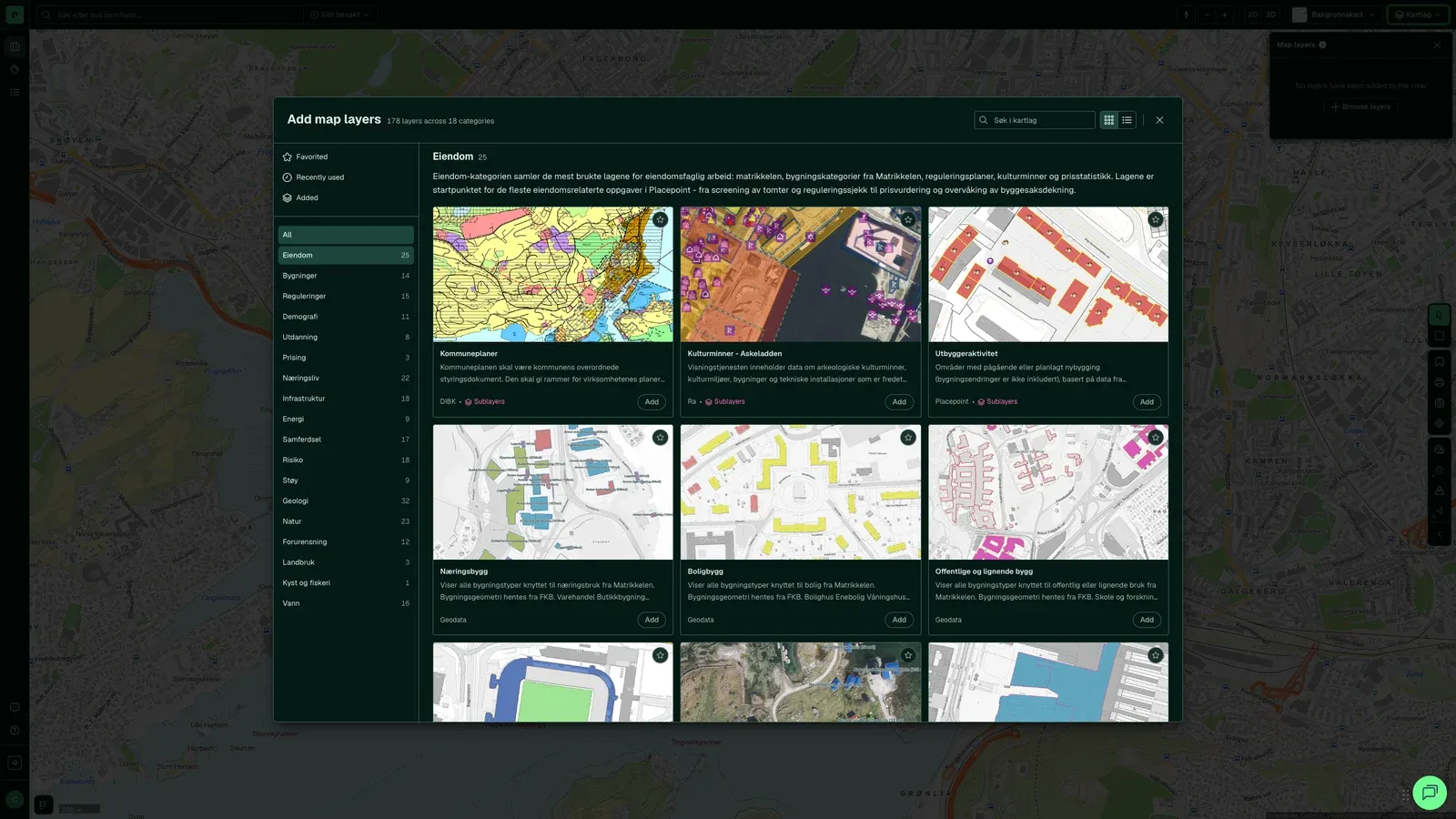
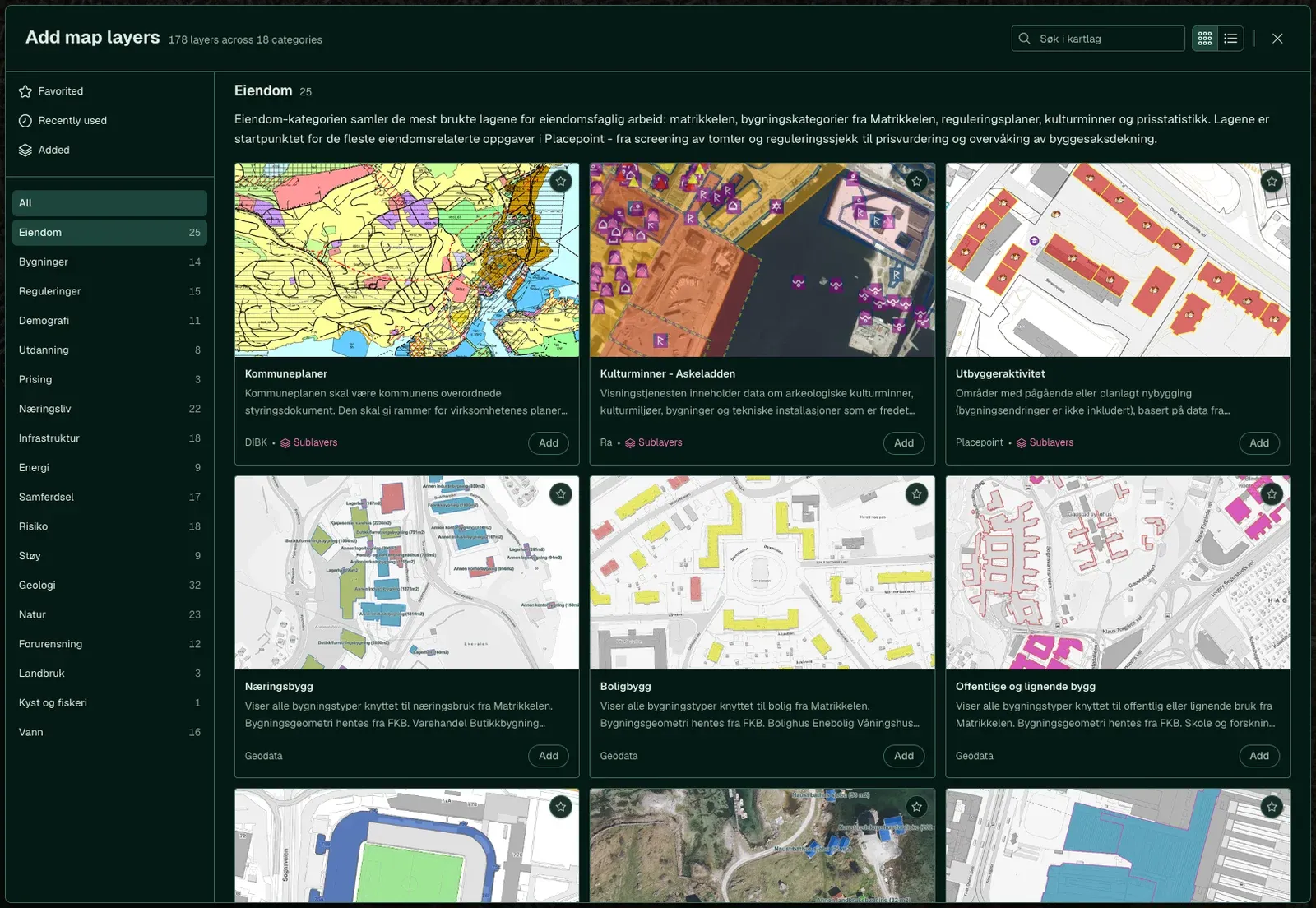
Search, categories on the left, a card per layer, details and sublayers.
Map layer
Around 280 main map layers in 18 categories, from zoning and quick clay to demographics and noise. Turn them on and off in Fusion, over the same property, without switching tools.
Map layer
Illustration
18 categories
The number on each tile is the number of main map layers in the category. Tiles without a screenshot are illustrations, not taken from the app.
25main map layers
Property
The matrikkel property map, property boundaries
Layer counts from docs.placepoint.no/kartlag, checked on 26 August 2026. We expand the catalogue regularly.
How it looks in Fusion
Search, categories on the left, a card per layer, details and sublayers.
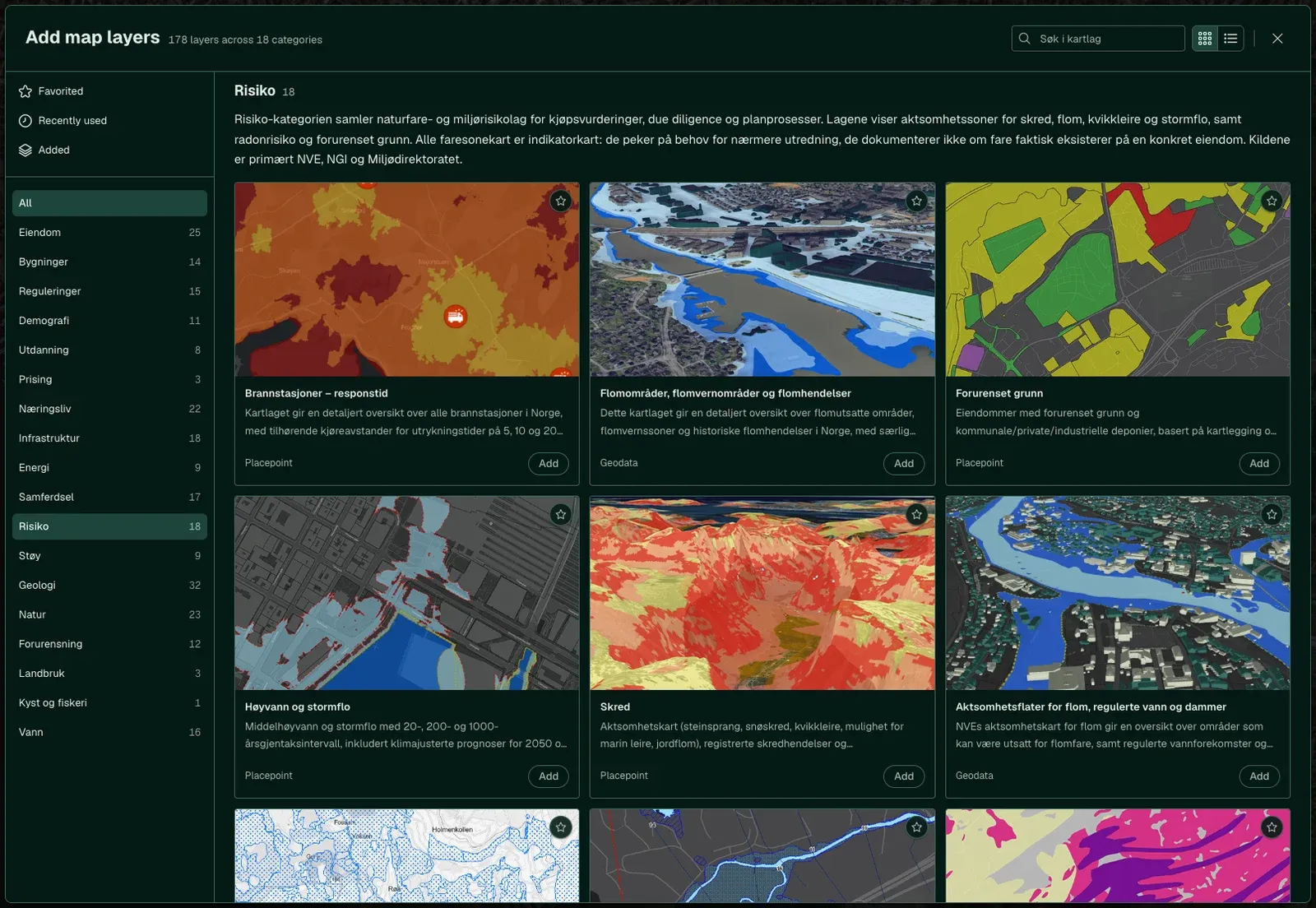
Landslides, flood hazard maps, quick clay and radon.
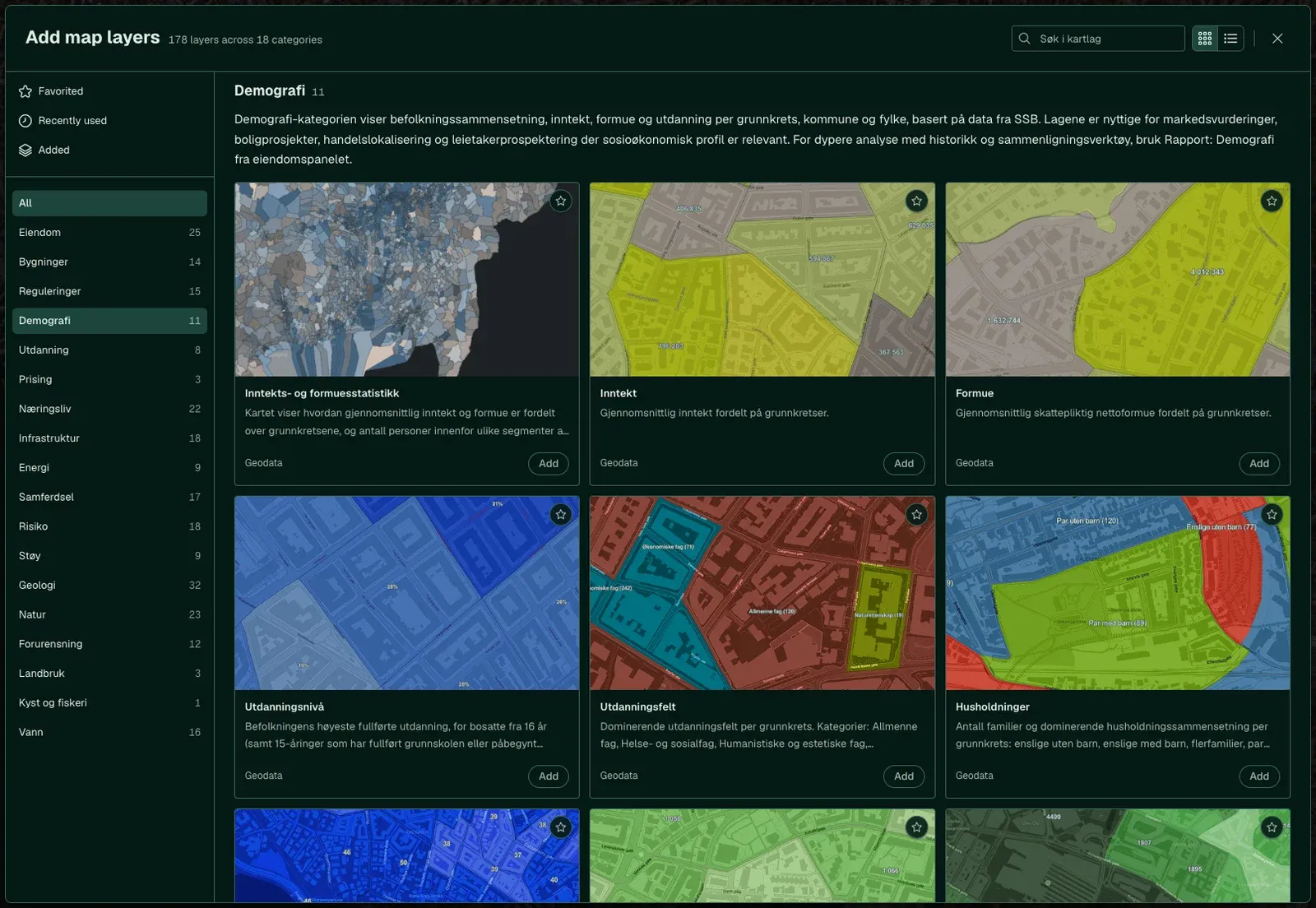
Population and income by basic statistical unit.
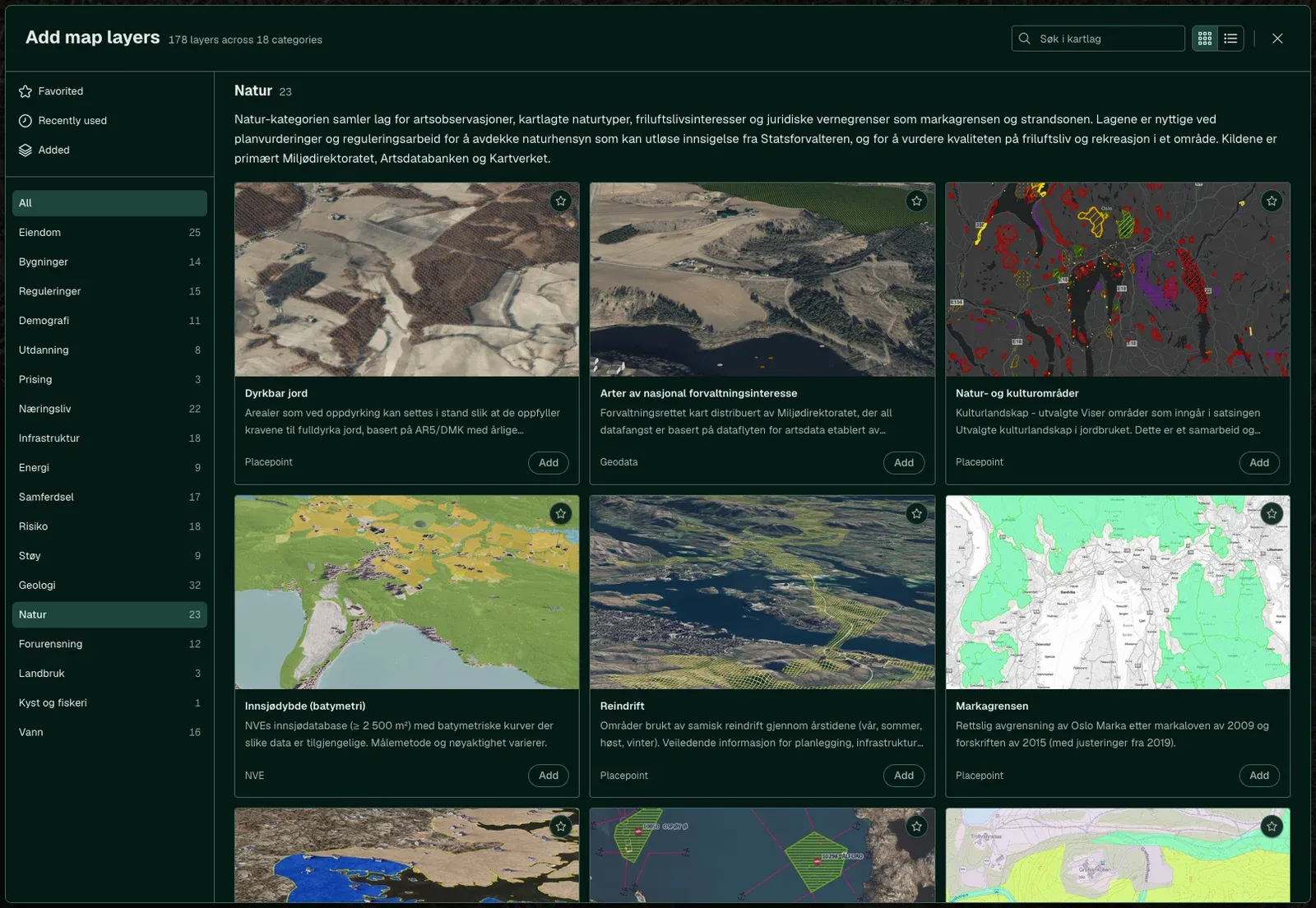
Protected areas and habitat types.
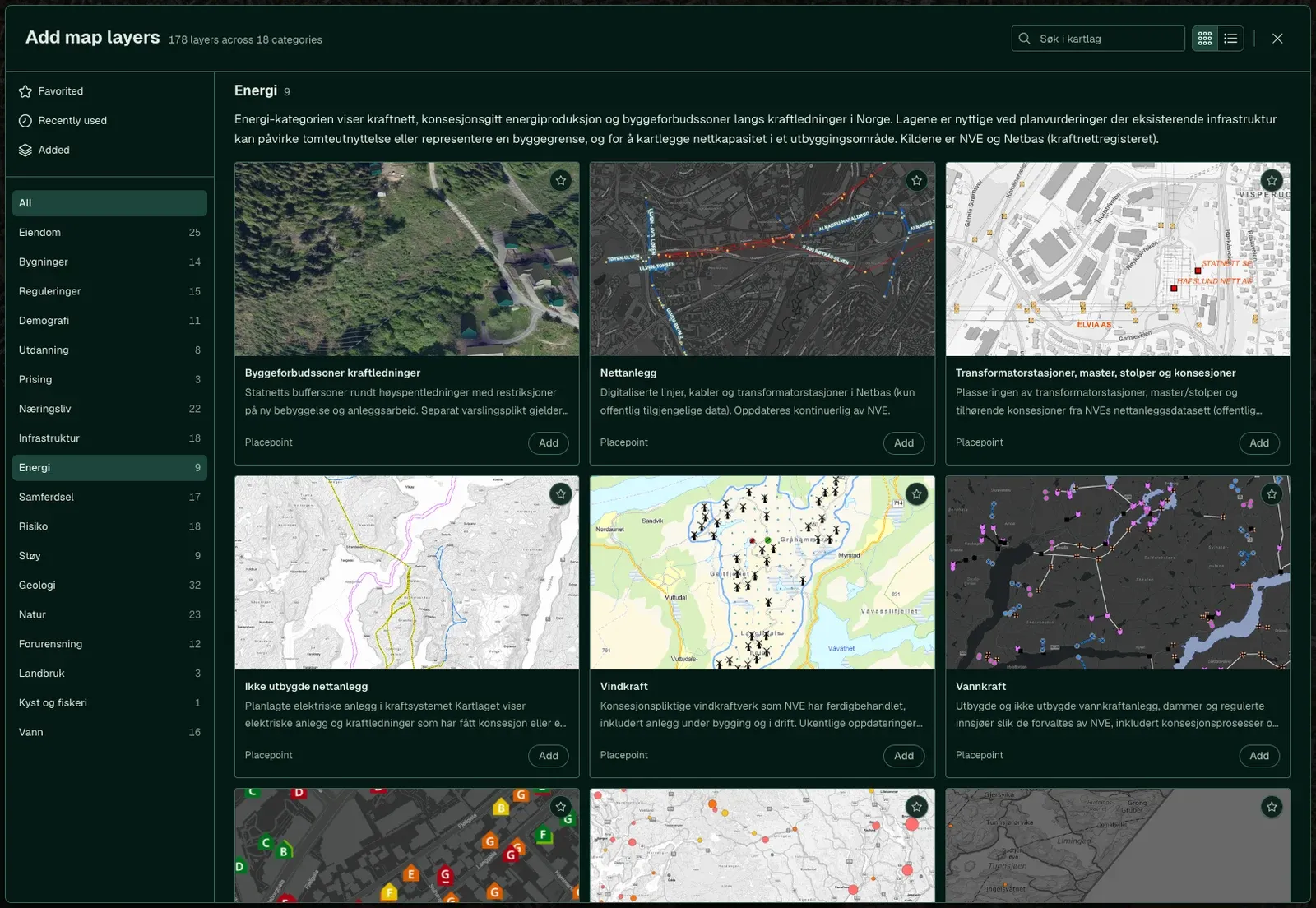
Power grid and energy labels.
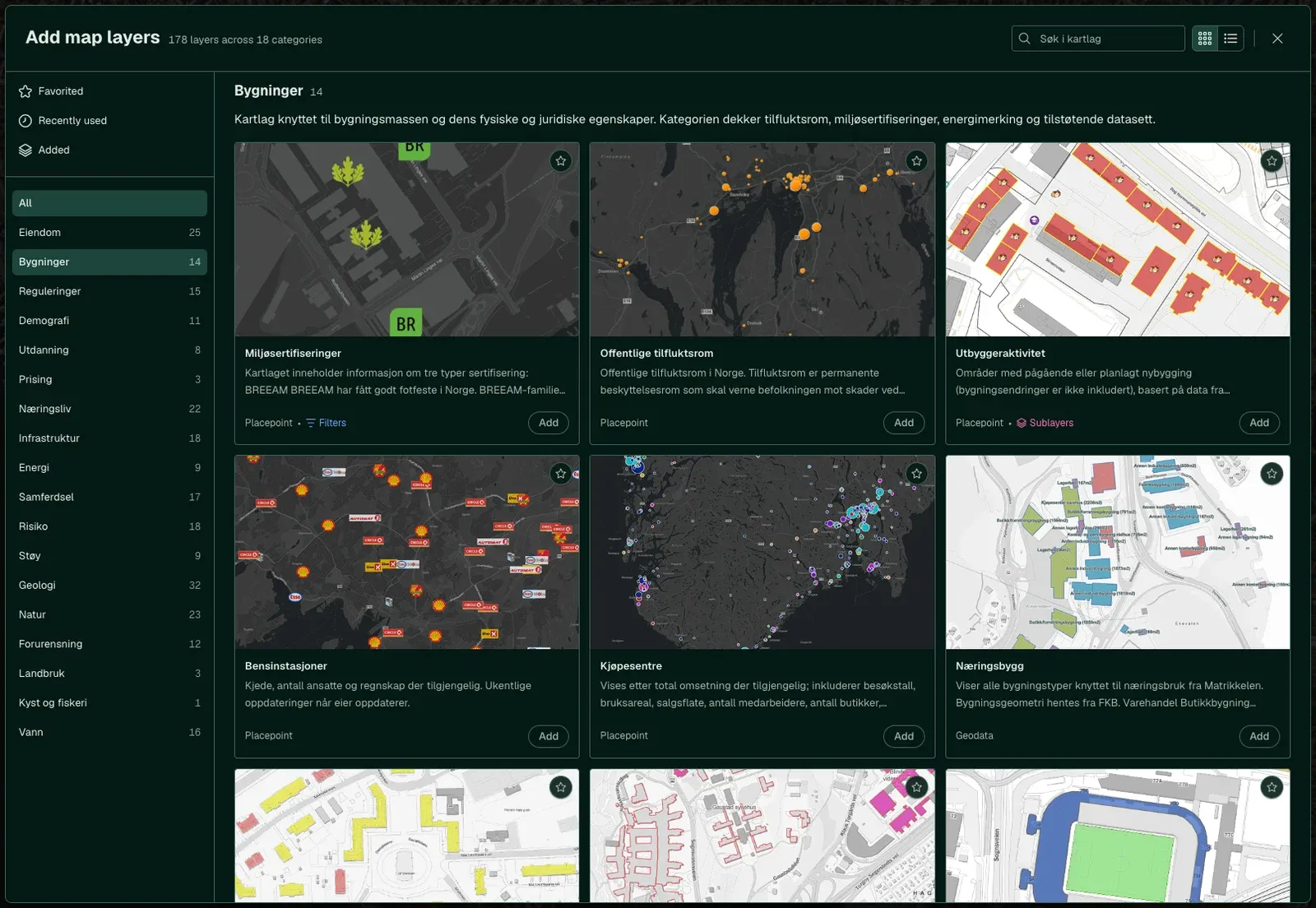
Building types, built year and use.
Need layers that are not included?