









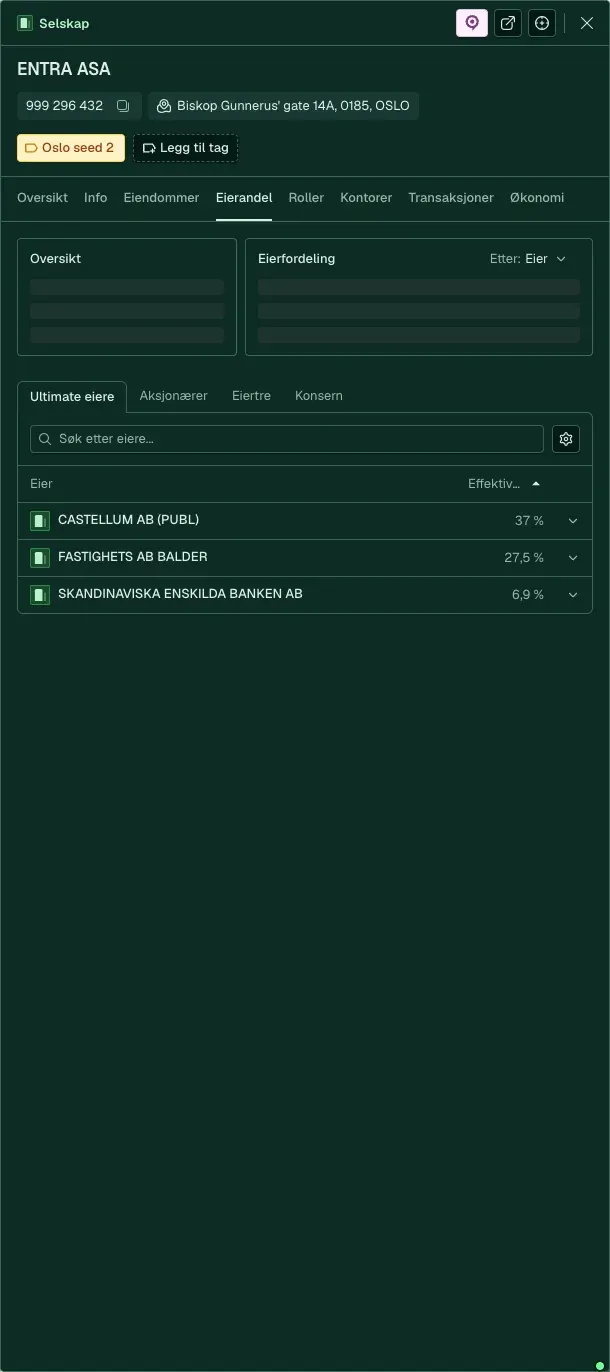
Understand who owns what, and how much
Registered owner, company structure and ownership shares, linked to Enhetsregisteret and the shareholder register.
Use case: Understand property
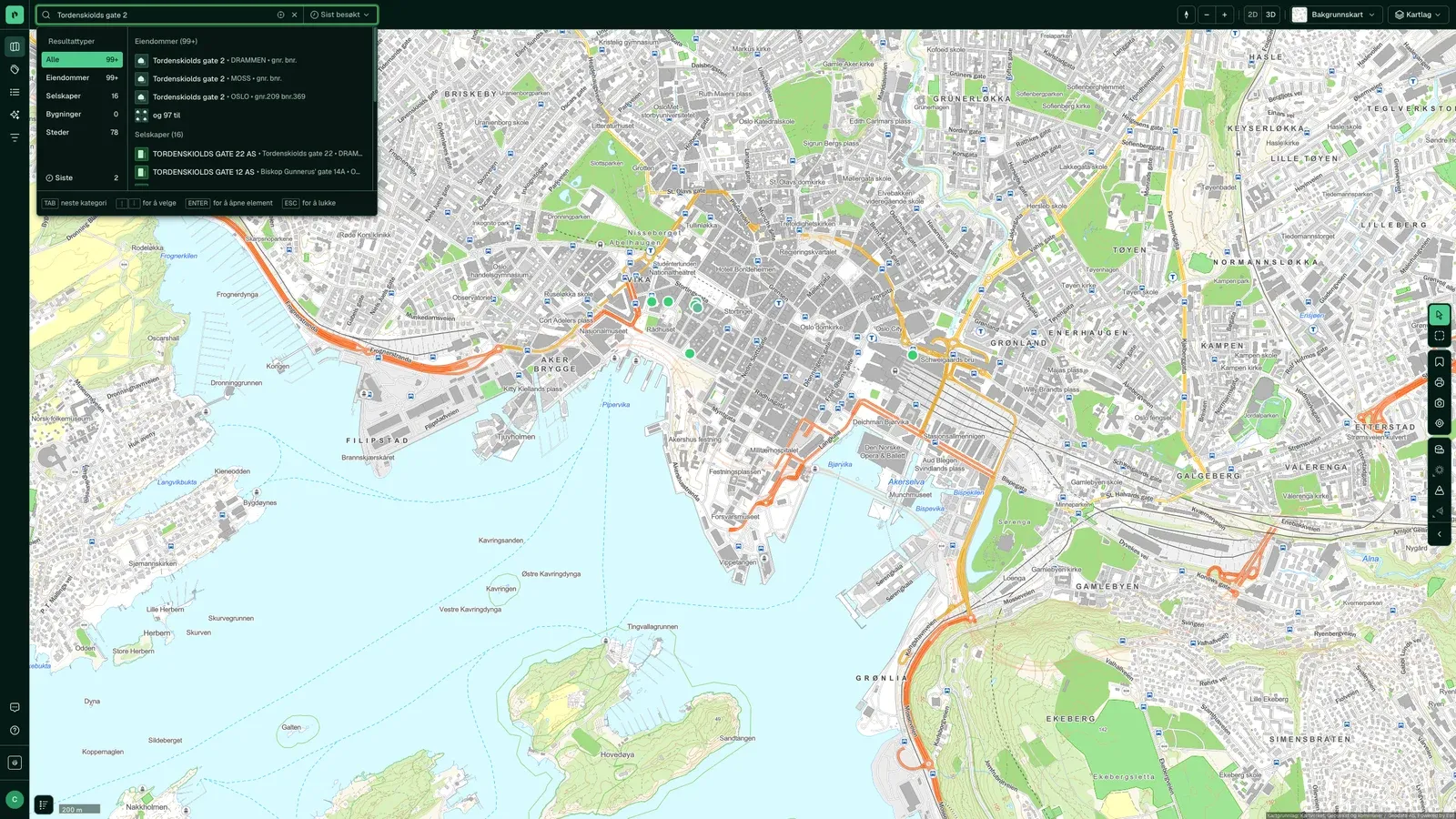
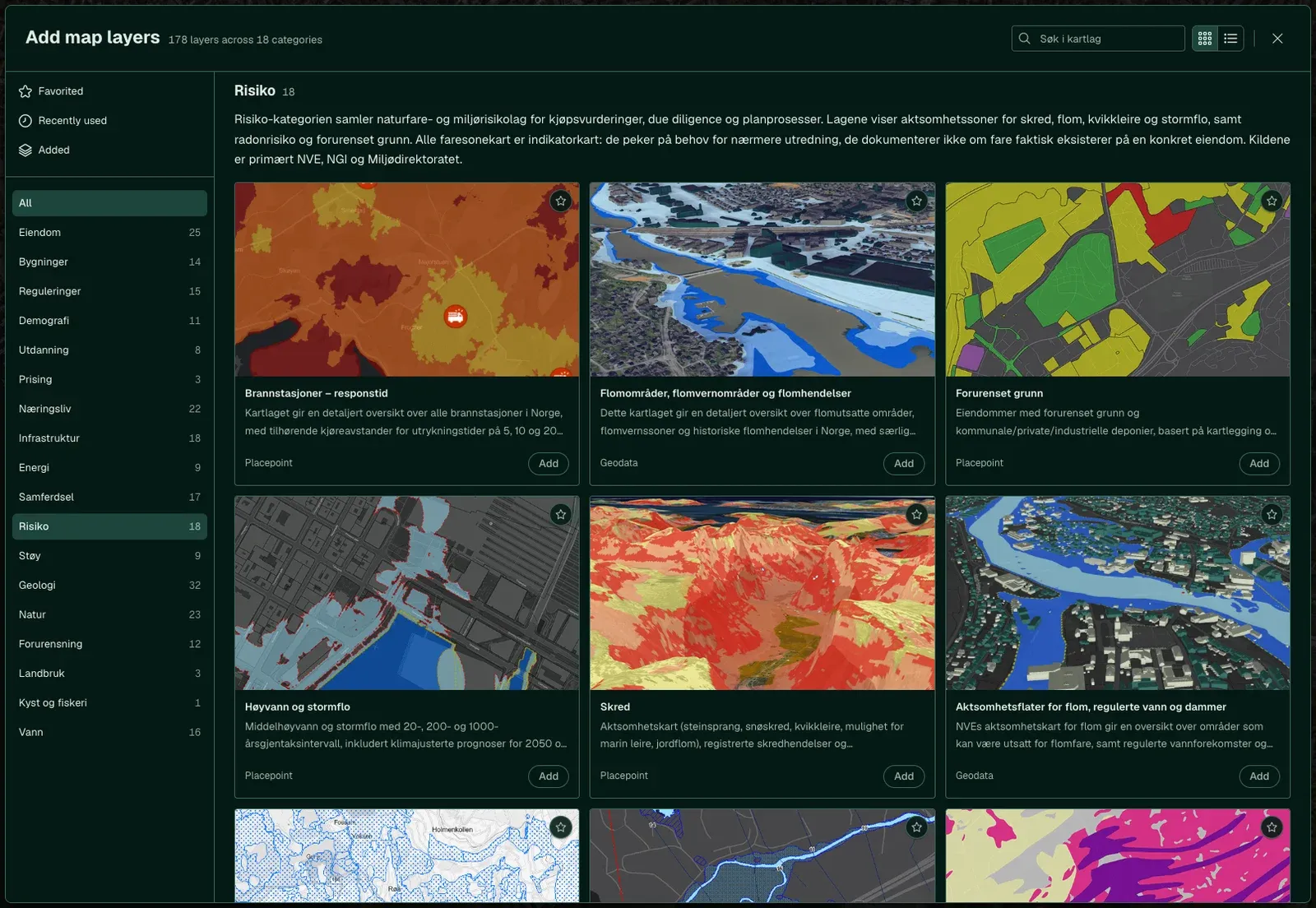
Ownership, zoning, tenants, history and risk sit in separate registers, each with its own keys. Placepoint links them on the property, so one search gives you the full picture.
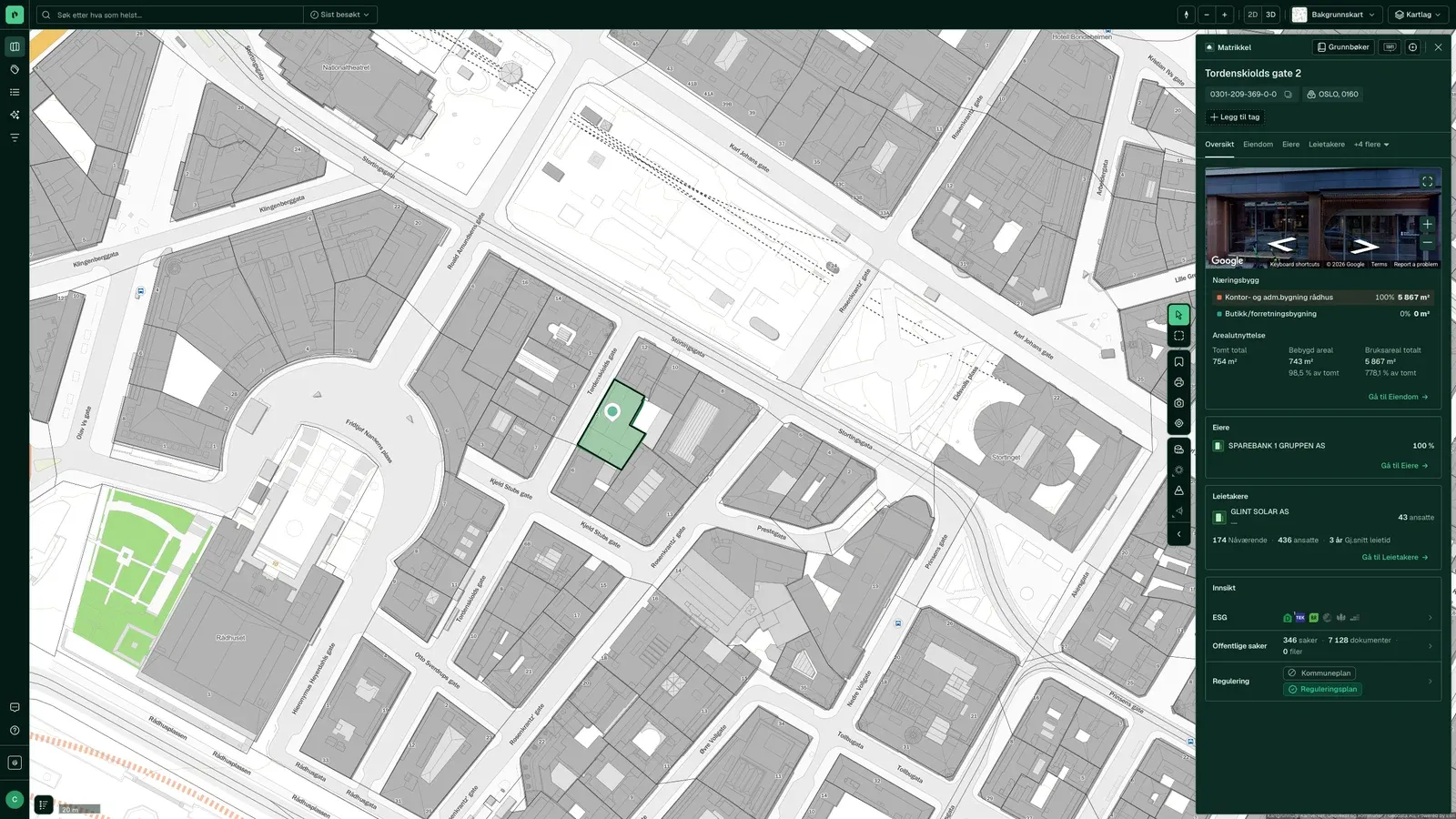
How to do it
What you get
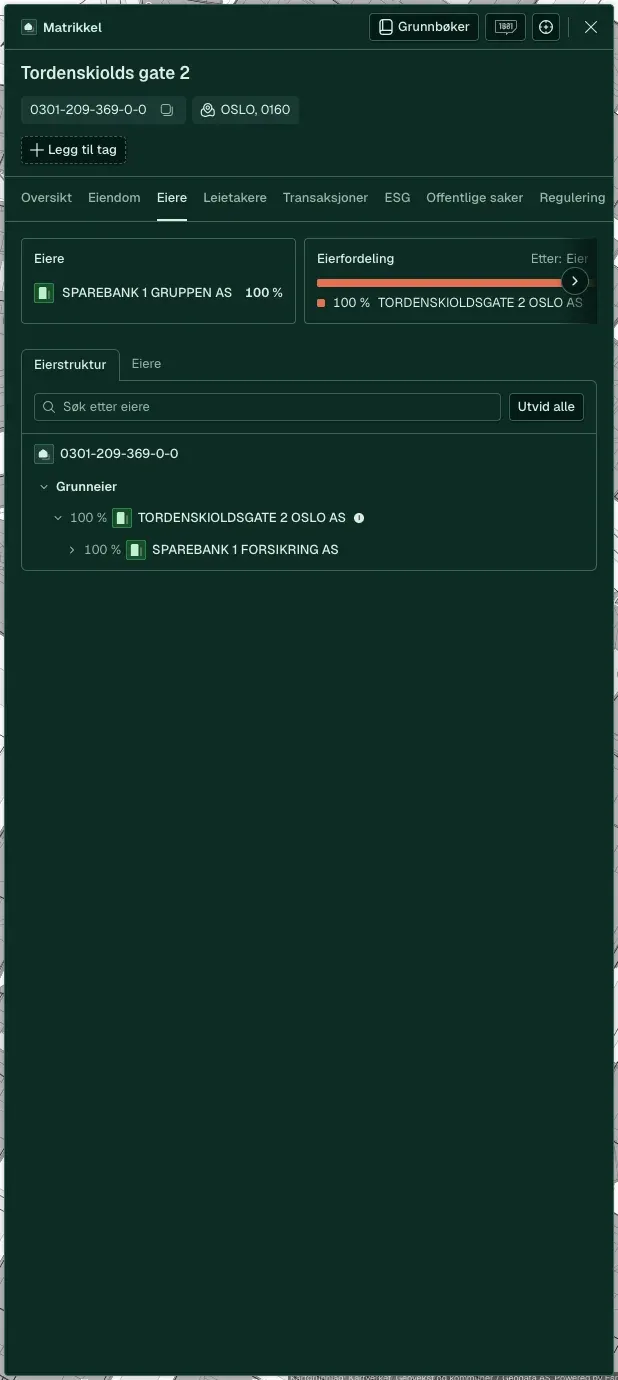
Registered owner, company structure and ownership shares, linked to Enhetsregisteret and the shareholder register.
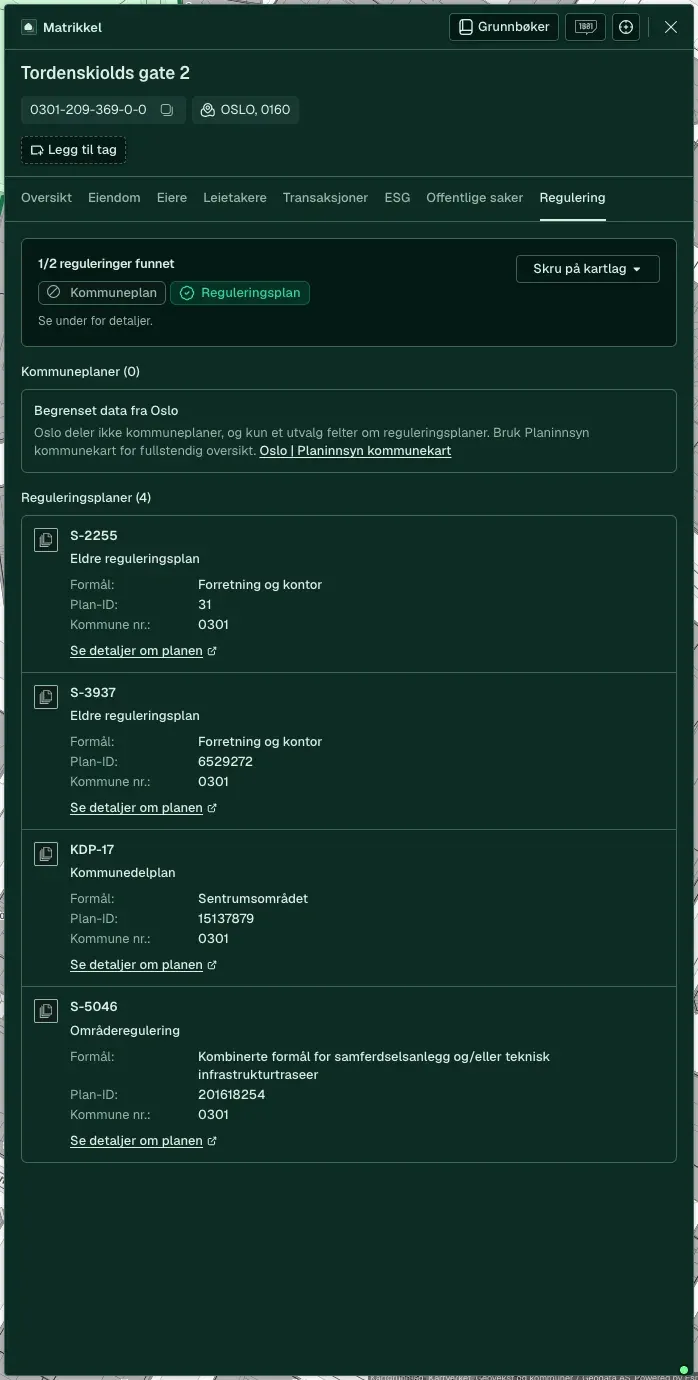
The current plan with provisions, special consideration zones and phasing requirements, on the same map as the property.
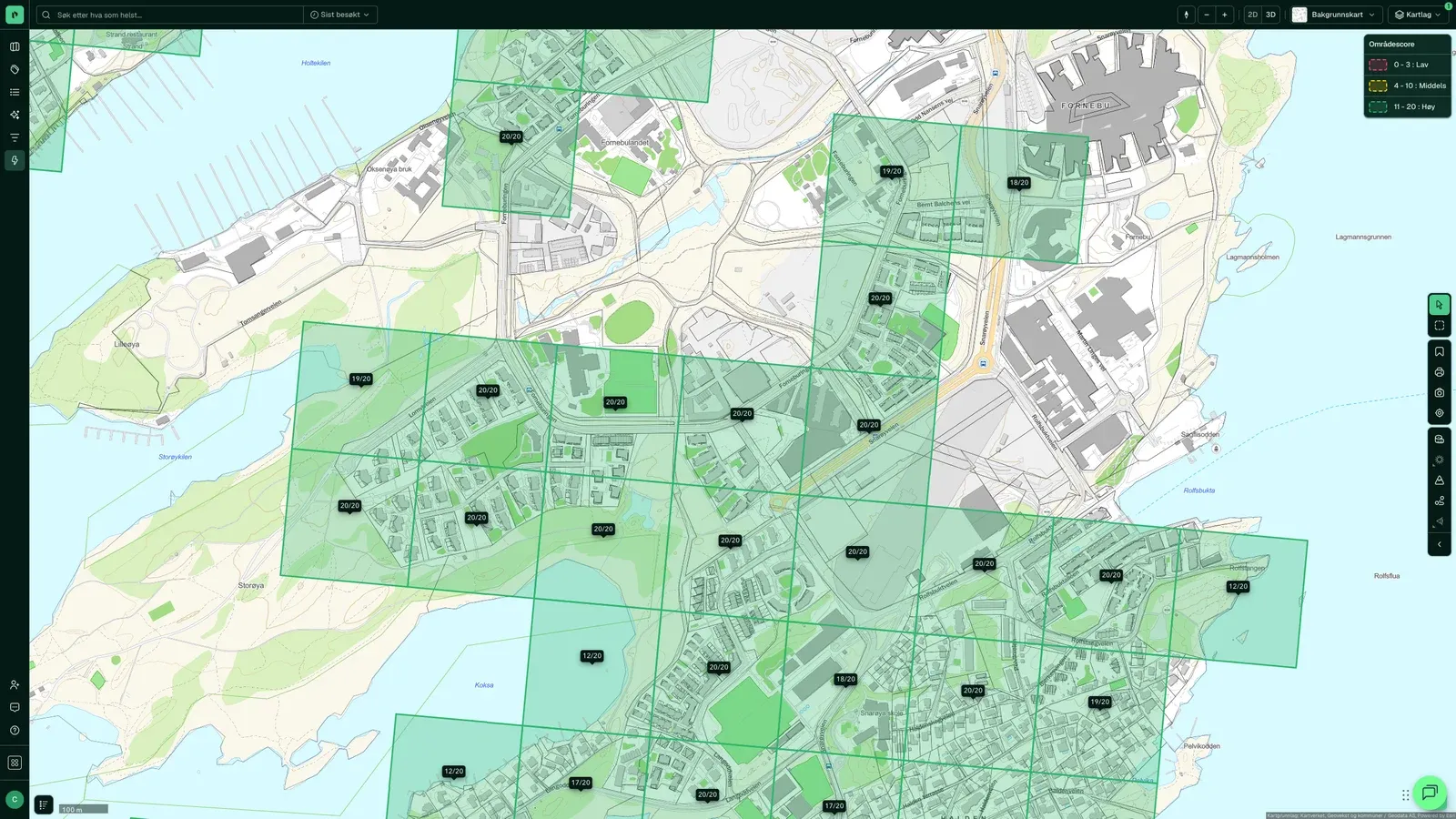
Demographics, public transport coverage, business and how the building compares with its neighbourhood.
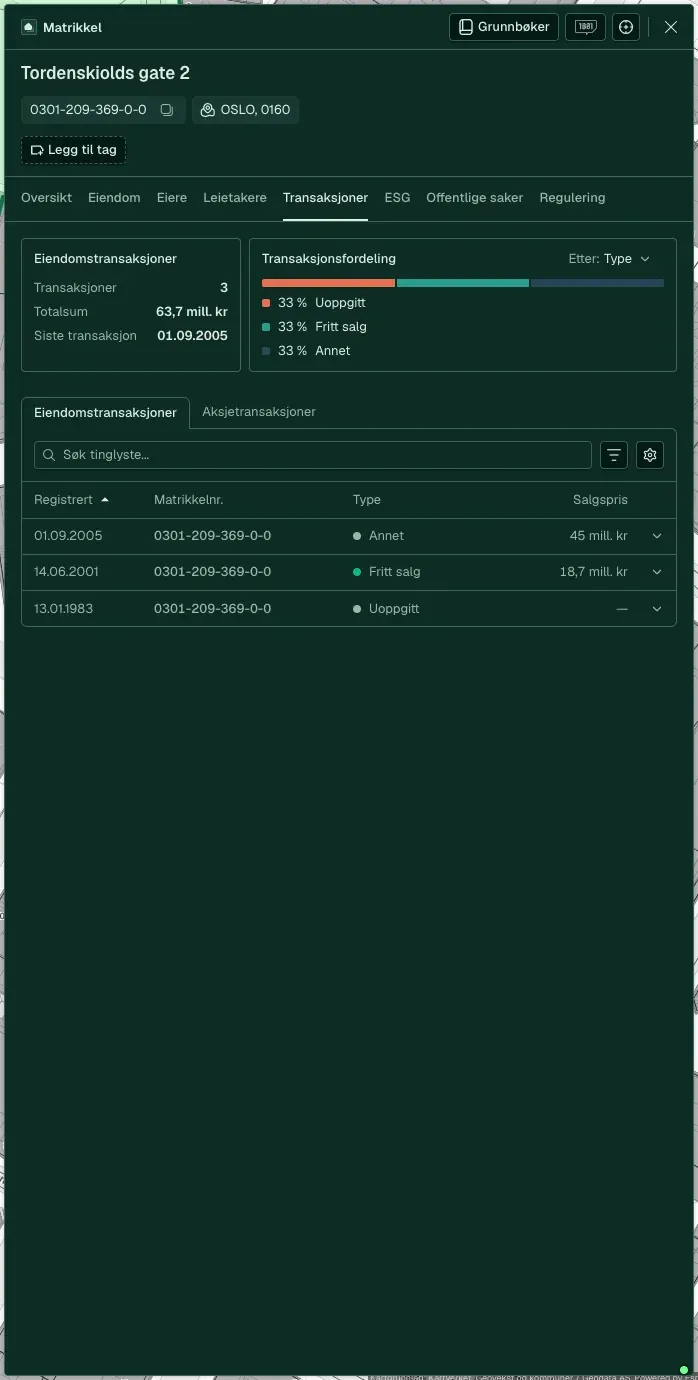
Sales, changes of ownership, cases and previous listings for the same property.
The data sources behind the job
What customers say
“Placepoint is our main platform for property information. In practice, we only use Placepoint now.”
 Petter CedellGroup Director of Property Investments, Selvaag Bolig
“We see a clear efficiency gain with Placepoint, as much of the information we need on ownership, ownership structures, zoning purposes and encumbrances is gathered in one place. Several of us in the organisation use the tool daily and get a lot out of it.”
 Kristian AkslandPartner, CMS Kluge
“We use Placepoint daily for credit work. Among other things, we can identify ownership concentration in business parks.”
 Lars Kristian TveterSenior Relationship Manager, Danske Bank
“We have 25 salespeople using Placepoint every day to generate leads and find tenants.”
 Henning BjørnsgårdHead of Sales and Development, EIR
“We make active use of Placepoint in our nature-risk mapping. The data is an important part of what we base our decisions on.”
 Anne Cecilie OterkjærHead of Nature and Environment, OBOS
“Placepoint is simply our most important tool. It gives us instant access to site data, zoning and market insight that used to take days to dig up. When we assess new projects, Placepoint is the first thing we open.”
 Thomas BøCOO and partner, Bonum
“Placepoint provides property data that is an important input to our work. The quality and breadth of the data make a real difference day to day.”
 Marius DuffautHead of Property, Product Norway, If
“I use Placepoint almost daily and I'm very happy with it.”
 Svein Kristian PettersenBalsfjord kommune
“This program is worth its weight in gold.”
 Roger HenriksenHousing consultant, Bokvalitet
“Placepoint gives us a better basis for decisions early in the process, and makes it easier to identify opportunities and make the right choices.”
 Stian OlafsenHead of Projects and Development, Nordbohus
“Without Placepoint, we would have to go back to manual address lists. That would be a significant step backwards for our operations.”
 Camilla FredriksenHead of Diplom-Is-bilen Norge, Diplom-Is
“Intuitive, clear, quick response.”
 Tom Espen EideHead of Commercial Property, Skanska
“The best thing is the amount of information in one place, and the 3D view of the site with its surroundings and outlook.”
 Geir ØstevikArchitect and project developer, Mesterhus
“You can get an overview of the market. It feels like you're there in person.”
 Synne NappenAnalyst, Akershus Eiendom
Yes, the matrikkel (cadastre) and Grunnboken (land register) cover all Norwegian properties. Map layer coverage varies and is stated for each layer.
How often data is updated depends on the source. The matrikkel and the land register are updated continuously, while map layers and register data vary. The frequency is stated for each source in the catalogue.
Yes. The source is shown on the data, so the figures can be checked in a report or a board decision.
Industries